 Glyphia
A modern way to turn images into calm, playful coloring experiences
Create cozy coloring pages from any image.
Turn your photos into beautiful, customizable coloring pages — right in your browser, no installation needed.


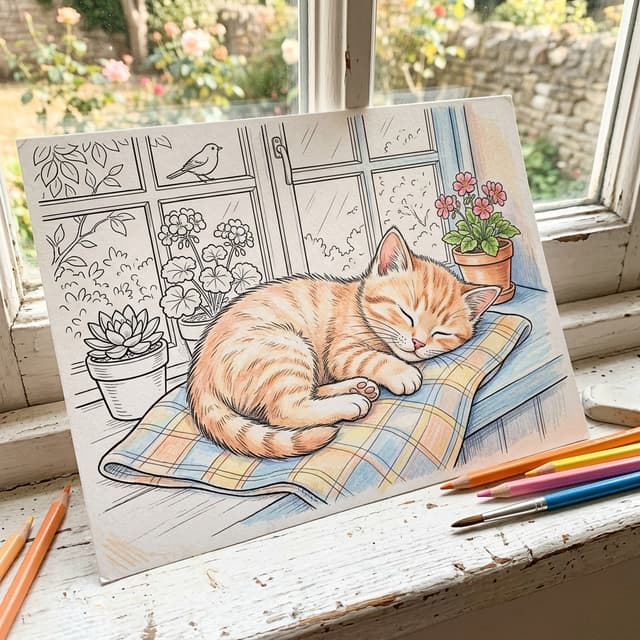
✿How It Works✿
Upload your image
Drag and drop any photo or illustration you want to transform into a coloring page.
Trace & customize
Choose between spiral, concentric, or parallel patterns. Adjust density and style.
Color at your own pace
Export as PNG, PDF, or SVG and enjoy the relaxing process of coloring your creation.
🎨Simple Pricing🖌️
Sketch
Free
- 20 exports per month
- PNG and PDF formats
- HD resolution
- Glyphia watermark
- Up to 2 devices
Canvas
$5/mo
- 100 exports per month
- PNG and PDF formats
- Full HD resolution
- No watermark
- Up to 3 devices
- Cloud gallery storage
Atelier
$20/mo
- 1000 exports per month
- PNG, PDF, and SVG formats
- 4K resolution
- No watermark
- Up to 5 devices
- Full commercial rights
- Cloud gallery storage
Studio
$50 one-time
- Unlimited exports
- PNG, PDF, and SVG formats
- Unlimited vector (SVG) + A3 print-ready PNG
- No watermark
- Up to 10 devices
- Full commercial rights
- Cloud gallery storage
💭Frequently Asked Questions💭
Can I sell the images I create?
Yes! You have full commercial rights to the images you create with Glyphia. Use them in physical products, digital goods, or resell the coloring pages as you wish.
Does Glyphia use AI to create images?
No. The entire process uses client-side computer graphics with tracing algorithms and geometric patterns. There's no artificial intelligence involved in creating the lines.
Do I need to install anything?
Not at all! Everything runs directly in your browser. Just log in and start creating. Works on any modern computer or tablet.
What image formats can I upload?
You can upload images in JPG, PNG, GIF, or WebP formats. We recommend images with good resolution and contrast for best results.
How does the export limit work?
Your export limit resets every month. The free plan includes 20 exports, plenty to experiment with. Paid plans offer much more!